
Disconnect a Channel
Find a connected social channel on the Channels page and disconnect it.
Open Channels. In the left menu, select Work, then Channels. The page lists every channel you can connect.
Find the connected channel. A connected channel has a green check mark beside its name and shows the account name underneath. Channels that are not connected show a Connect Account button instead.
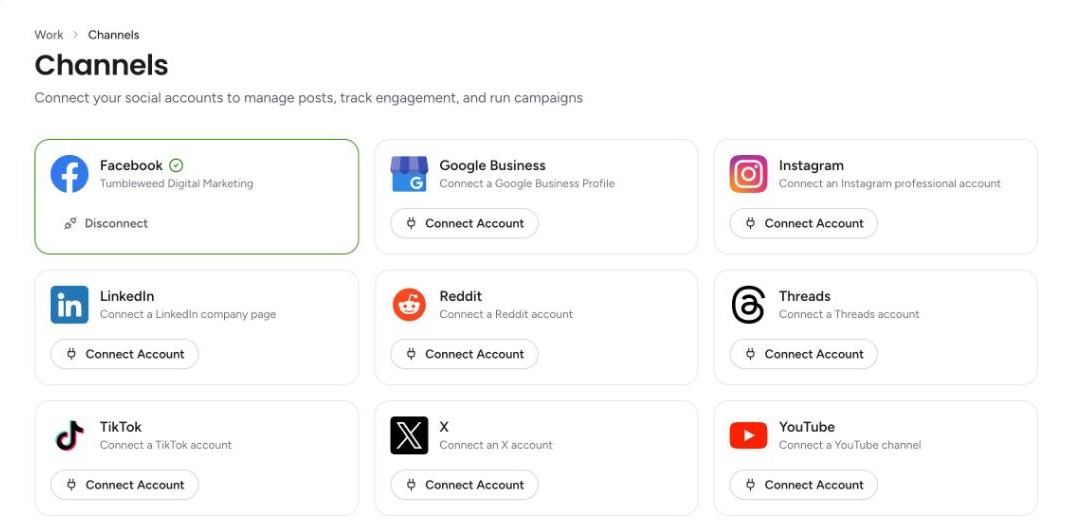
Select Disconnect. The Disconnect button is at the bottom of the connected channel's card.
Tip
Tumbleweed's Channel disconnected email is always on, so you are told when a channel stops being connected.