
Generate a Post on Demand
Write one post right now from Workflow Hub. Choose what to write about, adjust the length and look for this post, then press one button.
How do I write a post right now?
To write a post right now, open Workflow Hub, select Generate now, choose what to write about, adjust the choices for this one post, and select the button that writes it.
Set up suggested posts first. Generate now works once suggested posts are set up. If they are not, Tumbleweed says "Suggested posts are not set up for this workspace yet." See Set Up Suggested Posts.
Open Workflow Hub. In the left menu, select Work, then Workflow Hub.
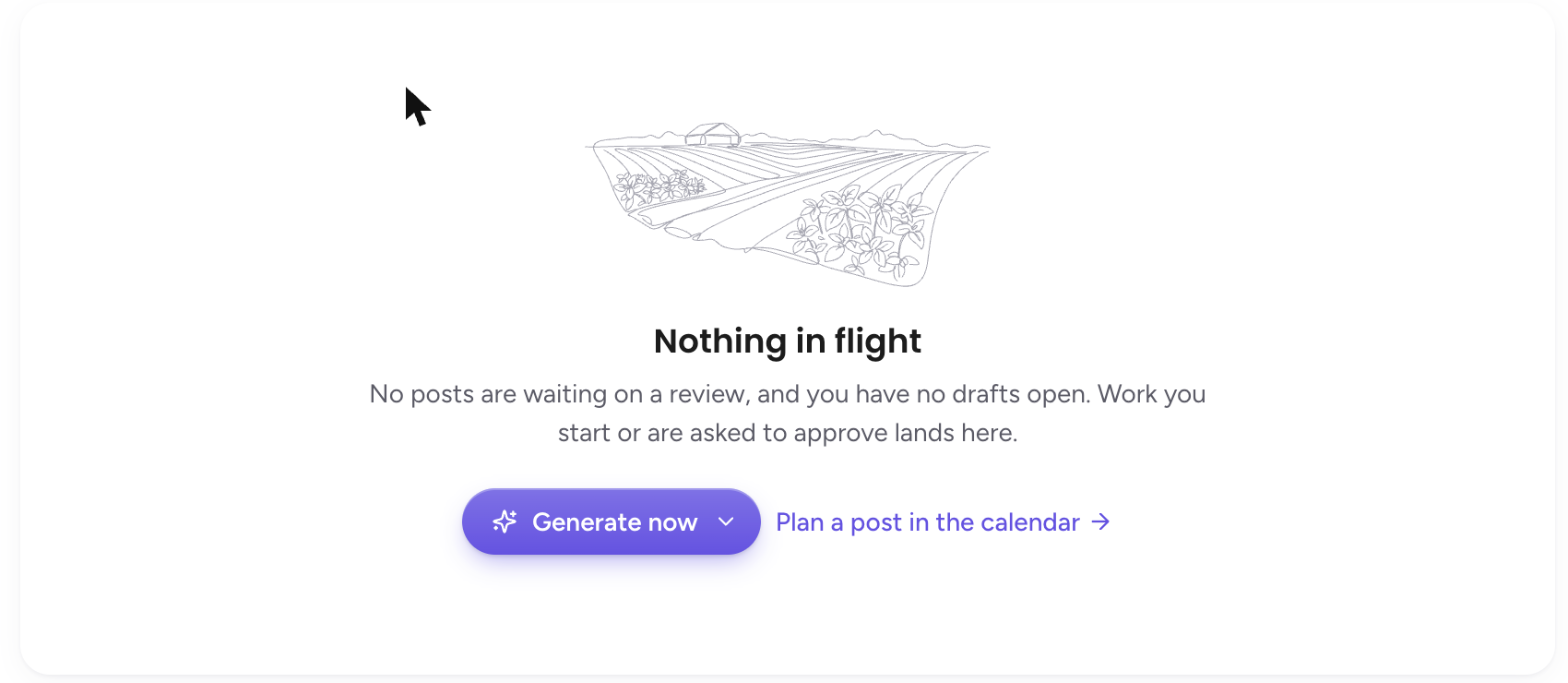
Select Generate now. It is the purple button above your suggested posts. Generate now is for Admins.
Choose what to write about. Let us pick is selected to start, and Tumbleweed chooses a topic for you. If you have open requests, they are listed below it, soonest first. If you have not asked for anything yet, the menu points you to Request a post. Choosing an option never starts writing.

Adjust this one post, if you like. Under Just this once, choose the Length (Short, Usual, or Chatty) and the Look (Photo, Usual, or Design). You can also choose a Topic. These choices apply to this post only. Your weekly posts settings stay the same.
Choose a template, if you like. Under Template, leave it on Any (we choose), or pick one of your templates, listed by kind. Picking a template makes this post a design instead of a photo. Templates that Tumbleweed cannot write in are shown but cannot be picked.
Select the button to write it. The button says what it will write, such as Write a post. Only the button uses AI credits, and the menu shows an estimate before you press it. While it works you see "Writing your post...", and pressing twice never charges you twice.
Review the draft. The post lands in Workflow Hub. Open it to read it, edit it, or approve it. Nothing is posted until you approve it. If a post is held for your review, it shows how many checks passed and failed.
Prefer to write the post yourself? Select Create, then Post. Have something coming up? Select Request a post on your calendar and it shows in this menu.