
Invite a Retailer
Invite a retailer by email so you can share posts with them, and see who is connected.
Open Retailers. Select Co-op, then Retailers. The list shows each retailer, their company, and whether they are Connected or Disconnected.
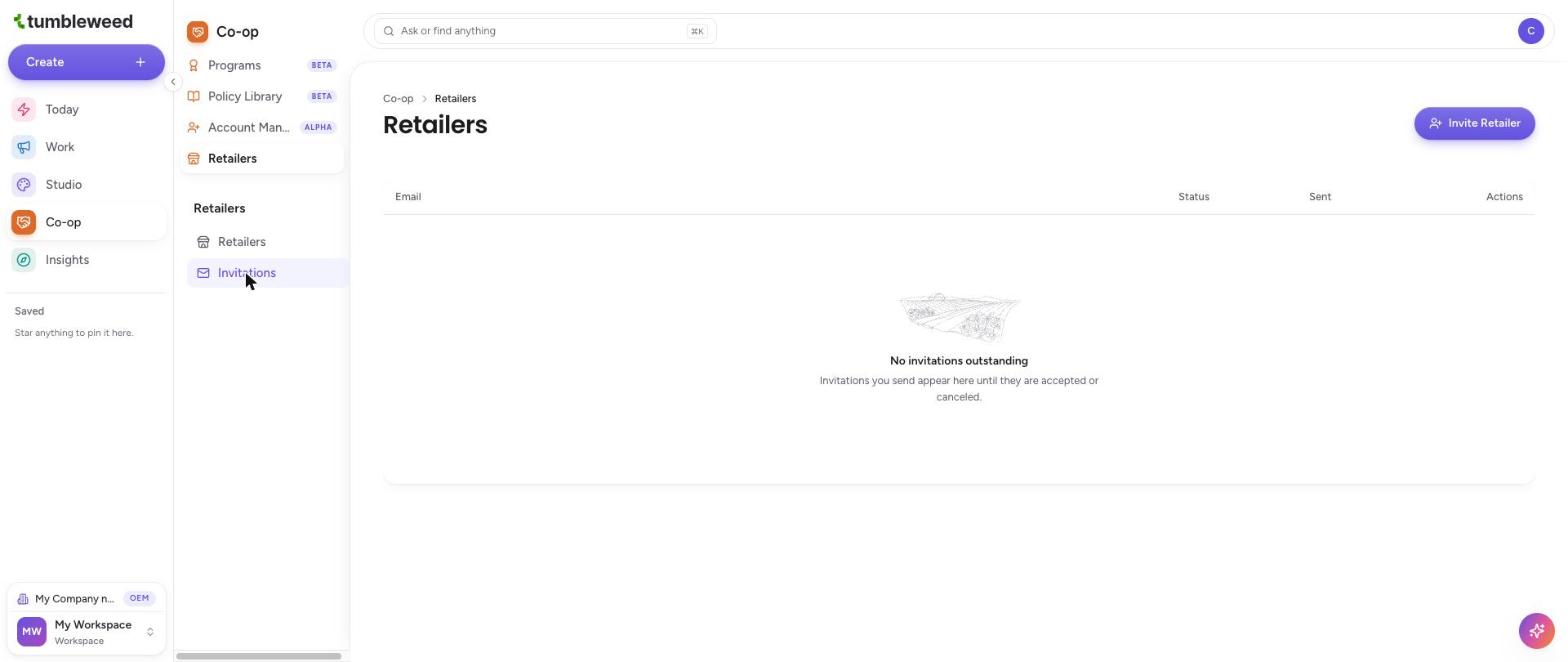
Select Invite Retailer. The button is at the top right.
Enter their email address. The retailer does not need a Tumbleweed account yet.

Select Send Invite. The retailer receives the invitation by email.
Know what happens next. If the email address already has a Tumbleweed account, the retailer signs in. If it does not, they are invited to create an account first. Once their account is set up, your invitation to connect is waiting for them in the Needs you section on their home screen, Today. They accept it there.
Track the invitation. Select Invitations in the Retailers menu. Each invitation you send stays here, with its status and the date sent, until it is accepted or canceled.
Disconnect a retailer later. On the Retailers list, select Disconnect next to a connected retailer.
Send the invitation to the address your retailer will actually use to sign in. Once they are connected, you can share posts with them using Network Broadcast.